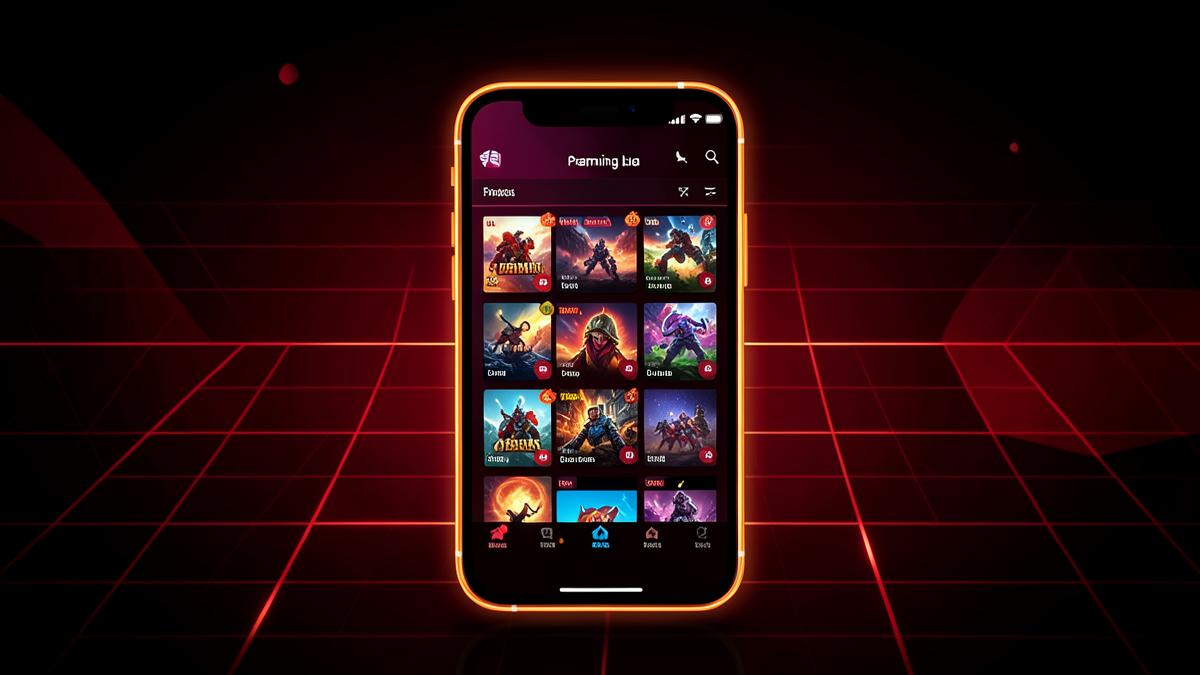
Downloading a new app is easy; figuring out how to actually get comfortable with it takes a little more effort, especially when it's a hub with eight different games rather than one focused experience. This guide is aimed squarely at first-time users — practical IC7 Game tips for the first hour, the first week, and beyond, so you're not just poking around randomly.
Before you open the app for the first time
Make sure the install itself went smoothly: confirm you're on Android 8.0 or newer, that you have a bit of free storage beyond the roughly 48 MB the app itself takes up, and that you downloaded the APK from the official link rather than a third-party site. Getting this right at the start avoids most of the early frustration new users run into. If you haven't installed it yet, the official APK download and installation guide walks through the process step by step.
Your first launch: don't rush into one game
It's tempting to jump straight into whichever game's icon looks most appealing, but a better first move is to spend five or ten minutes browsing the hub menu and opening each of the eight titles just long enough to see how it plays: Turbo Striker, Neon Runner, Bubble Blitz, Royal Cards, Empire Tactics, Battle Arena 7, Speed Drift, and Puzzle Quest. This short tour tells you a lot faster than guessing from icons alone which two or three games you'll actually want to keep coming back to.
Tip one: match the game to your available time
Since the games differ quite a bit in pacing, it helps to think about how much time you actually have before picking one. If you've got two minutes, an arcade or running title like Turbo Striker or Neon Runner suits a quick burst. If you've got fifteen minutes and want to settle in, Royal Cards or Empire Tactics reward a longer sitting better. Matching the game to the moment, rather than always defaulting to the same title, is one of the simplest ways to get more enjoyment out of a hub-style app.
Tip two: learn the controls in a low-pressure title first
Puzzle and card-style games tend to have gentler learning curves than fast-reflex arcade titles, so if you're not naturally a quick-reaction gamer, starting with Bubble Blitz or Puzzle Quest can help you get a feel for the app's interface — menus, settings, how to back out of a game — before jumping into something faster-paced like Battle Arena 7 or Speed Drift.
Tip three: check your device settings once, early on
A little bit of setup now saves headaches later. Open Settings > Apps > IC7 Game and glance at the permissions it's been granted, and while you're there, note where the "install unknown apps" permission lives on your device in case you need to install an update later. This isn't about being paranoid — it's just useful to know where these controls are before you need them under time pressure.
Tip four: keep an eye out for updates
Because IC7 Game is sideloaded rather than distributed through Play, it won't automatically update the way many Play Store apps do. Get in the habit of checking the official website every so often for newer versions, particularly if you notice a game behaving oddly — an update may already address it. Our safety guide also covers why it's worth sticking to the official source specifically when you go looking for that update.
Tip five: treat the card-style game as entertainment, not gambling
Royal Cards uses virtual chips with no monetary value, and it's worth keeping that framing in mind from the start rather than approaching it the way you might a real-money card app. There's no deposit to make and no withdrawal to chase, which actually makes it a lower-pressure way to enjoy a card game compared to real-money platforms — you can play for as long or as little as you like without any financial stakes attached.
Tip six: don't expect deep, hours-long campaigns
If you come in expecting the kind of sprawling progression systems you'd find in a dedicated single-purpose mobile game, you may be surprised at how quickly you exhaust what a given title in the hub offers before wanting to switch. That's by design — this is a casual, variety-first hub rather than a single deep game — so the better approach is to think of your "session" as spanning multiple titles rather than one long run in a single game. For more on how the genres and pacing compare across the library, the mobile gaming guide goes into more depth.
Tip seven: know when to reach out for help
If a specific title consistently crashes, won't load, or behaves unexpectedly after you've tried restarting the app and confirming you're on the latest version, it's reasonable to contact support@ic7game.com with your device model and Android version. Beginners sometimes hesitate to reach out over what feels like a small issue, but specific bug reports from real usage are genuinely useful and usually get a clearer answer than searching around for a fix.
Building a routine that actually sticks
The players who get the most long-term value out of a hub app like this tend to settle into a small rotation — maybe two or three favorite titles they return to regularly, with the rest available for when they want a change of pace. There's no need to feel obligated to play all eight regularly; the variety is there so you can pick what suits you, not so you feel pressure to use every feature.
Where to go from here
Once you're past the first-session exploration phase, the IC7 Game FAQ is worth a read for anything you're still unsure about — cost, compatibility, and support details are all covered there in a quick-reference format. And if you ever want a refresher on installation itself, whether for this device or a new one, the installation guide has the full walkthrough. Beyond that, the best beginner tip is simply this: give yourself permission to explore casually rather than trying to "master" the hub all at once — it's built for relaxed, varied play, and it works best when you treat it that way.
Setting realistic expectations from day one
New users sometimes expect a casual hub app to behave like a large single-purpose game with deep menus, achievement systems, and long-term progression tracks. IC7 Game isn't built around that model, and going in with that expectation can make the first session feel underwhelming. Instead, think of each title as a self-contained casual experience you dip into repeatedly rather than a game you're working through toward some final unlock. Adjusting that expectation early tends to make the whole hub more enjoyable rather than less.
Getting comfortable with switching between games
One skill that's easy to overlook is simply getting used to backing out of one game and into another cleanly. Spend a couple of minutes early on learning where the exit or back button sits in two or three of the titles, since navigation can vary slightly between an arcade-style game and a card or puzzle title. Knowing this ahead of time means you won't waste time hunting for a menu button mid-session when you decide to switch games.
Pacing yourself across a first week
Rather than trying every title in depth on day one, a more sustainable approach is to explore two new titles each day over the first few days. This spreads out the learning curve and gives you a clearer sense, by the end of the week, of which two or three games actually earned a permanent spot in your rotation versus which ones you tried once and moved on from. It also avoids the common beginner mistake of over-committing early to whichever game happened to be the flashiest on first launch.
Common early mistakes to avoid
A few patterns show up repeatedly among new users: skipping the permission review after install and later wondering what the app has access to, ignoring available updates because sideloaded apps don't prompt automatically, and assuming Royal Cards works like a real-money card app when it's actually chip-based entertainment only. Avoiding these three things alone puts a beginner well ahead of a typical first-week experience with the app.
A simple checklist for your first session
Before you close the app after your very first session, run through this short list: confirm the install came from the official source, skim the permissions once, try at least three of the eight titles briefly, and note which one you'd want to open again tomorrow. That's really all it takes to go from a fresh install to a beginner who already knows their way around the hub.