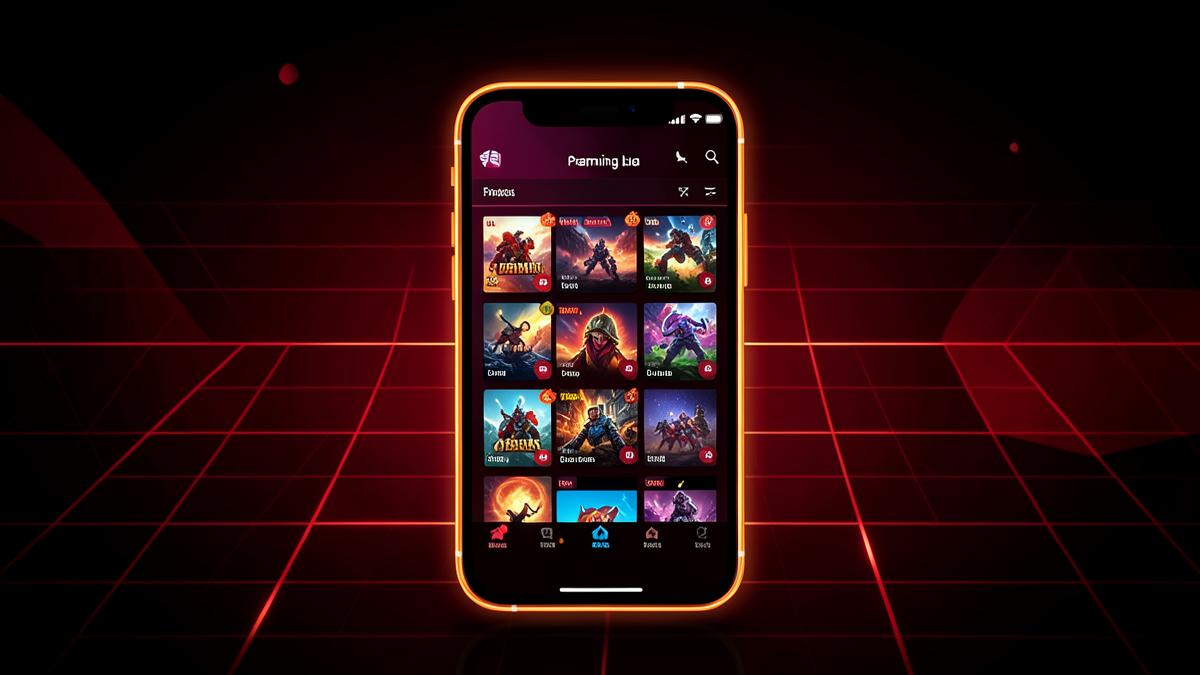
Once you know what IC7 Game is at a high level, the next natural question is: what can you actually do inside it? This article walks through the platform's features one by one — the game library, the hub interface, and the practical mechanics that shape day-to-day use.
The Hub Concept
IC7 Game is built around a single hub screen rather than separate app installs for each title. When you open the app, you land on a menu that lists every available game as its own tile or icon. Tapping one loads that specific game inside the same app shell. This approach keeps your phone's app drawer simpler — one icon instead of eight — while still giving you a variety of things to play.
If you haven't installed the app yet and want the setup steps first, the IC7 Game APK guide walks through that process before you get to this stage.
The Full Game Library
Here's what's currently included, organized by type so you can see the range on offer:
Action and Arcade
- Turbo Striker — a fast-paced arcade action game built for short sessions.
- Battle Arena 7 — combat-focused gameplay with a more competitive feel.
Runners and Racing
- Neon Runner — an endless runner style title, good for quick pick-up-and-play rounds.
- Speed Drift — a racing game emphasizing reflexes and timing.
Puzzle and Casual
- Bubble Blitz — a match-style casual puzzle game.
- Puzzle Quest — a puzzle-solving title with progressively trickier levels.
Cards and Strategy
- Royal Cards — a card game using virtual chips, no real money involved.
- Empire Tactics — a lighter strategy title for players who want something more deliberate-paced.
This spread means the app isn't trying to be one genre done deeply — it's a casual variety pack. If you tend to bounce between game types depending on your mood, that's exactly the use case this kind of hub app is designed around.
Navigation and Interface
The interface is intentionally simple: a home/hub screen with game tiles, and each game opening into its own self-contained experience. There isn't a complicated account or profile system layered on top — the emphasis is on getting into a game quickly rather than managing a deep social or progression system across titles.
If you're used to apps that require heavy onboarding — tutorials, forced friend invites, multi-step account creation — IC7 Game's more stripped-down approach may feel refreshingly quick by comparison. For an overview of the very first screens you'll see when opening it for the first time, the beginner's guide is a useful companion to this article.
Virtual Chips, Not Real Currency
Because Royal Cards resembles a casino card game, it's worth being explicit about a feature that matters a lot: everything runs on virtual chips. There is no deposit function, no withdrawal function, and no way to convert in-game chips into real money. This applies across the whole app — IC7 Game does not process payments of any kind. It's built for entertainment and social play, not gambling.
This is a meaningful distinguishing feature compared to real-money gaming or betting apps, and it's one reason IC7 Game can be installed and played without the account verification, age-gating for payments, or financial data entry that real-money apps require.
Performance and Device Footprint
A feature that's easy to overlook but genuinely useful: the app is lightweight. At around 48 MB, it takes up relatively little storage compared to many modern single-purpose mobile games, and it's built to run on Android 8.0 and up with 2 GB of RAM recommended. That means it's accessible on a wide range of devices, not just the newest flagship phones.
If your device is closer to the minimum spec, individual games inside the hub may run more smoothly than a single, heavier standalone game would, since the underlying app itself doesn't carry excessive graphical overhead.
Updates and the Version System
IC7 Game is currently at version 1.0.0. Because the app isn't distributed through the Play Store, updates don't arrive automatically in the background the way they might for store-installed apps. Instead, checking the official site periodically or watching for an in-app prompt is the way to stay current. This is a functional characteristic worth knowing about before you install, since it shifts a small amount of responsibility for staying updated onto you as the user.
How the Features Compare to a Typical Single Game
If you're deciding between IC7 Game and downloading one specific game instead, the tradeoff comes down to variety versus specialization. A single dedicated game usually goes deeper into one genre with more content over time. IC7 Game instead offers breadth — eight different experiences without needing eight separate installs, updates, and icons cluttering your home screen.
For casual players who like variety, or who want to try several genres before committing storage space to any one of them, that hub model is the main practical benefit. For players looking for one deep, ongoing game with a long progression system, a dedicated single-genre app might suit better.
Getting the Most Out of the Platform
A few practical tips based on how the app is structured:
- Browse the whole hub before settling into one game — since there's no download friction per title, it costs nothing to try each one.
- Keep an eye on your device's available storage, particularly if you also use several other apps.
- Check the official site occasionally for version updates rather than assuming automatic updates will happen.
- If a specific game misbehaves, it's often worth checking whether it's a game-specific hiccup rather than an app-wide issue — the troubleshooting resources on this site cover common fixes.
Accessibility Considerations
Not every player interacts with a touchscreen game the same way, and it's worth thinking about accessibility before assuming a casual hub app is automatically easy for everyone. Games like Puzzle Quest and Bubble Blitz tend to rely more on tap timing and pattern recognition than fast reflexes, which can make them more approachable for players who find twitch-based titles like Turbo Striker or Battle Arena 7 harder to keep up with. If you or someone using your device has specific accessibility needs, it's worth spending a few minutes with each game individually, since the hub format makes it easy to try one, back out, and try another without extra downloads.
Offline Behavior Versus Connected Play
Different games inside the hub may behave differently when it comes to network access. Arcade and puzzle-style titles often lean more toward self-contained, session-based play, while anything with shared or competitive elements is more likely to expect a connection. Because behavior here can depend on your specific device, Android version, and the app version you're running, the most reliable approach is simply to test a game in both a Wi-Fi and a mobile data scenario and see how it performs, rather than assuming a blanket rule applies to every title in the library.
Settings and Customization Options
Casual hub apps like IC7 Game typically keep customization intentionally light — the emphasis is on jumping into a game quickly rather than digging through submenus first. That means you shouldn't expect deep customization systems like the elaborate loadouts or cosmetic shops found in larger dedicated mobile games. Any settings that do exist are usually accessible from within each individual game rather than a single global settings panel, so if you're looking for a volume toggle or similar option, check inside the specific game you're playing rather than the main hub screen.
Session Length and Play Patterns
One practical feature worth mentioning is how well the library suits short sessions. Games like Neon Runner and Speed Drift are structured around quick rounds that fit naturally into a commute or a short break, while Empire Tactics and Royal Cards can support slightly longer, more deliberate sessions if you have more time. Knowing this ahead of time can help you pick the right game for the moment rather than starting something that doesn't match how much time you actually have.
Notifications and In-App Prompts
Some casual game hubs rely heavily on push notifications to pull players back in; IC7 Game keeps this light by design, with the hub screen itself serving as the main place to see what's new rather than a stream of alerts. If your device shows a notification permission prompt during setup, whether to grant it is entirely your choice and won't prevent the app or its games from functioning if you decline. Checking the hub periodically is generally enough to stay aware of new content, so it's fine to keep notifications off if you'd rather not be interrupted throughout the day.
Final Thoughts
IC7 Game's feature set is deliberately compact: a hub interface, eight casual games spanning several genres, virtual-chip card play with zero real-money element, and a lightweight footprint that suits a broad range of Android devices. Knowing the specifics ahead of time makes it much easier to decide whether the app fits what you're looking for, and it sets accurate expectations before your first download from IC7 Gaming.